
Bricks Builder template library
The ultimate solution for quickly building websites with Bricks Builder
Explore our extensive collection of pre-made Bricks Builder components & templates for rapid design. It’s easy to use – simply click to copy and paste directly into your Bricks website editor for speedy, precise design work.
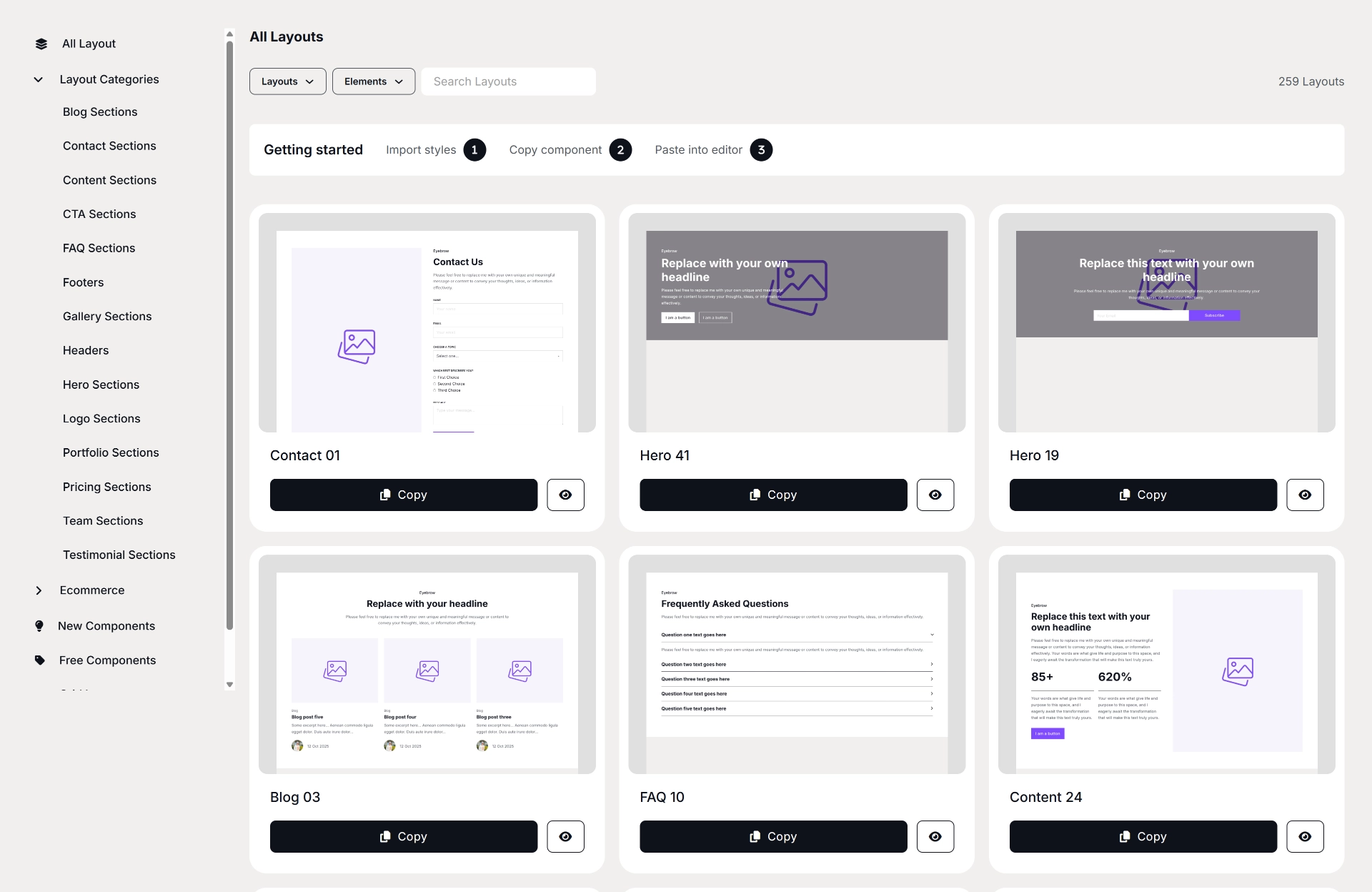
Copy
+
Cmd
Ctrl
V
Witness your designs spring to life with impressive speed and precision.
Once you’ve identified the ideal component, a simple click of the copy button will automatically copy it to your clipboard. From there, paste it directly into your Bricks website editor.
0
Components & templates
Everything you need, all in one place so you can focus on what matters.
0+
Monthly updates
Discover new Bricks Builder components & templates added every month.
0+
Global CSS classes
Reusable styles you can apply to multiple elements across your site.
Witness your designs spring to life
Build fast. Design consistently.
Looking to build a website faster? Renmoe provides a comprehensive array of Bricks Builder components & templates to make your work flow smoother, ensuring you create wonderful, modern websites effortlessly.

Meticulously crafted

Consistent layouts
Getting started
Build websites in hours, not weeks
Pick the workflow that fits your project before you start. Use Bricks Native if you want zero dependencies — no framework required, just Bricks Builder. Use Bricks Core if you already run Core Framework. Either path follows the same three steps.
Template library
Pre-made Bricks Builder templates
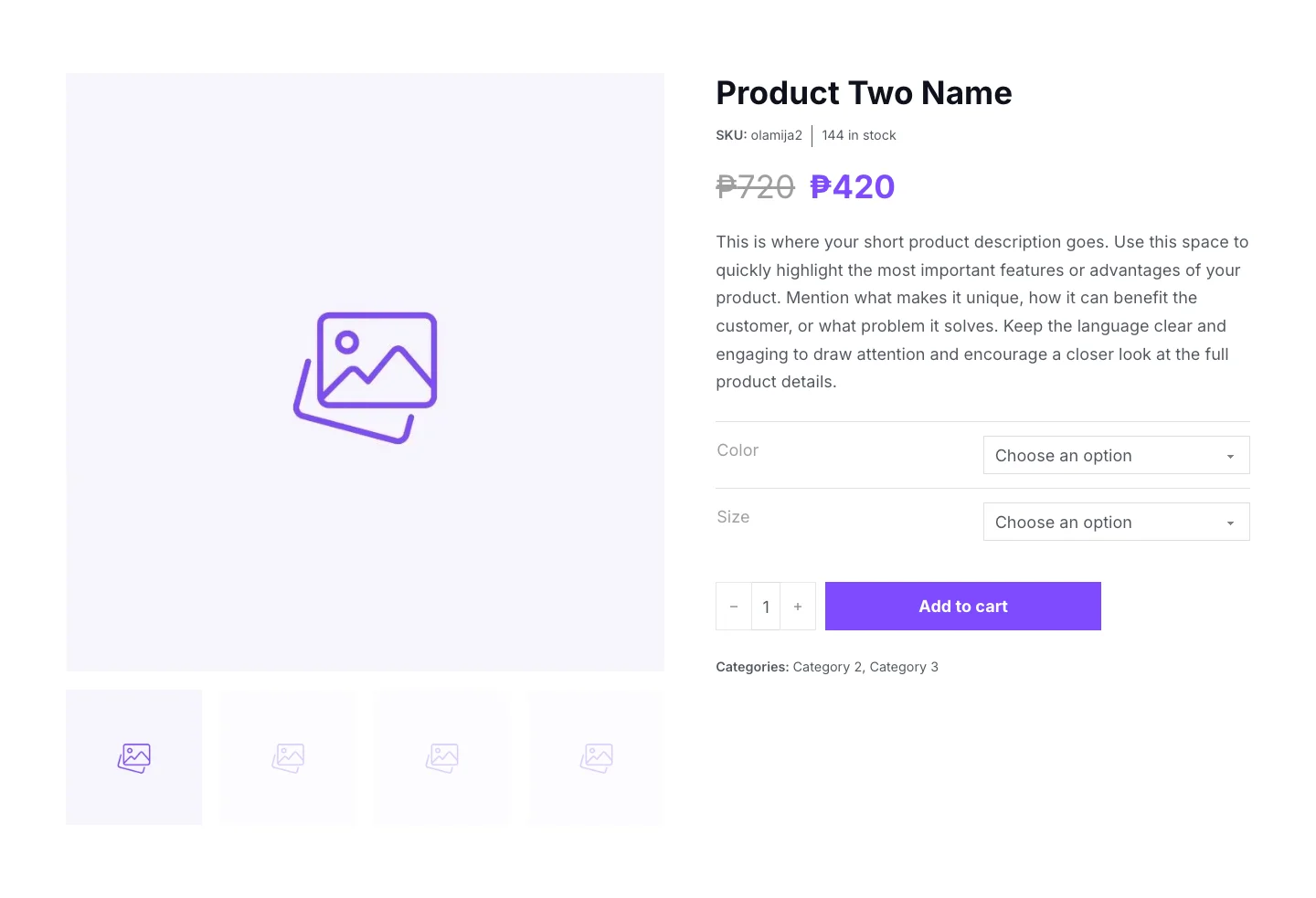
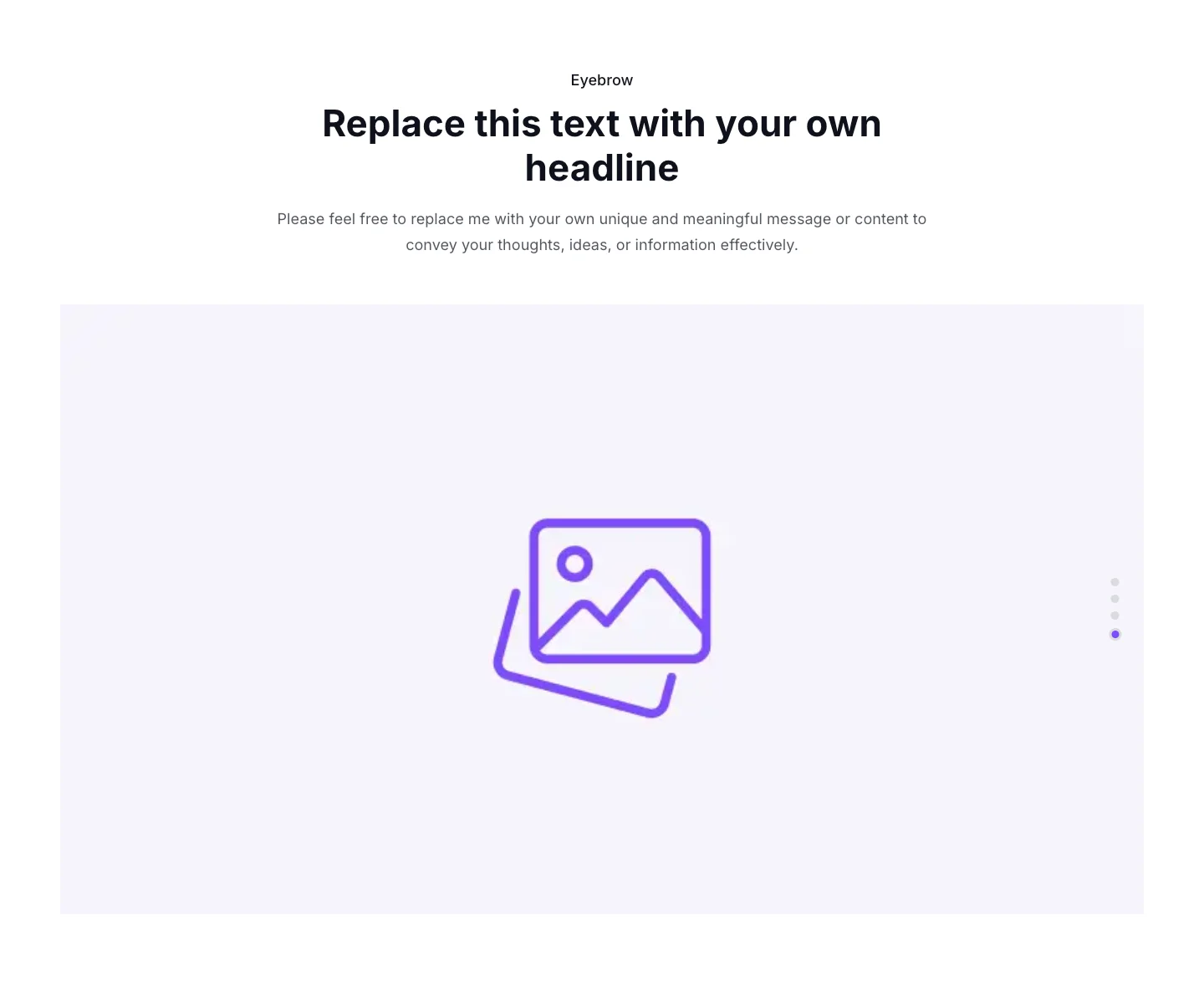
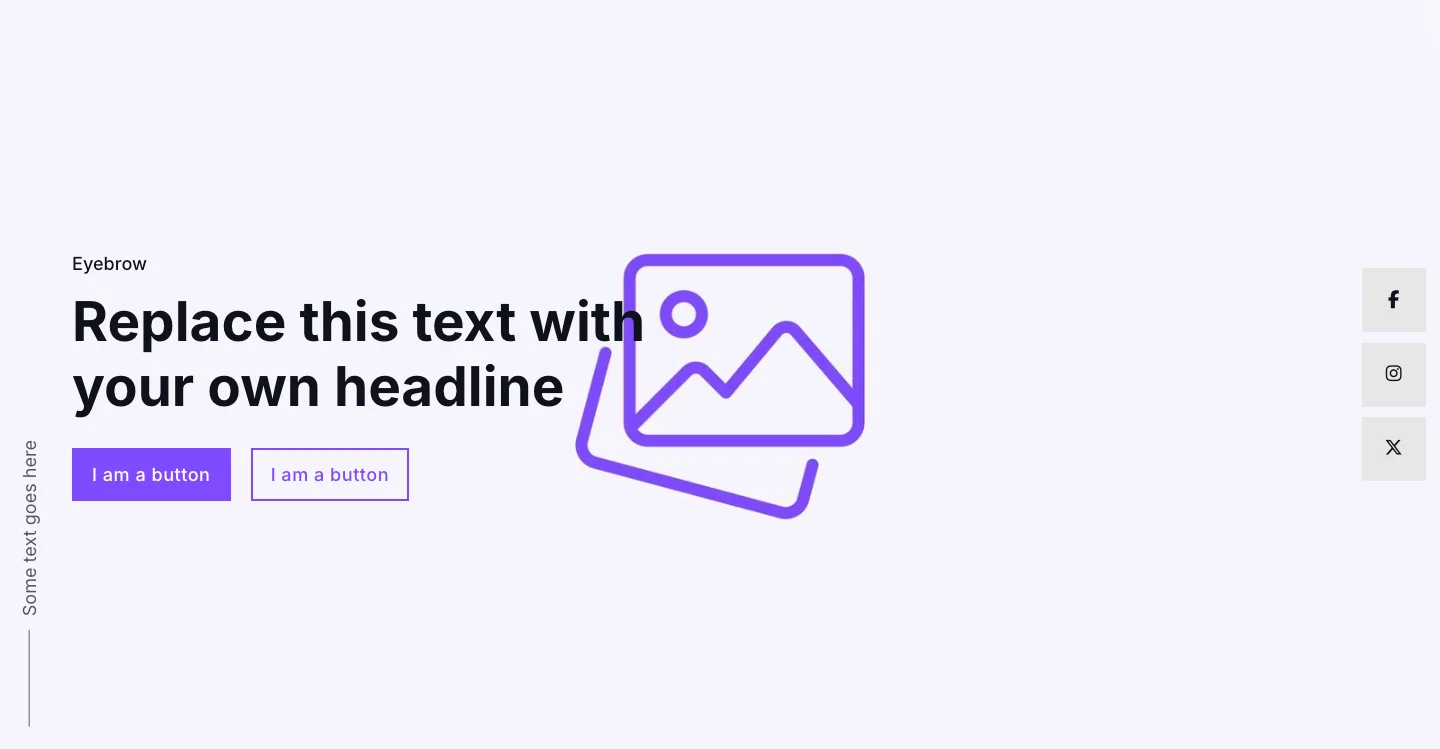
Meticulously curated Bricks Builder components & templates library provides a wide array of options, ensuring you find precisely what suits your project’s needs.
Pricing
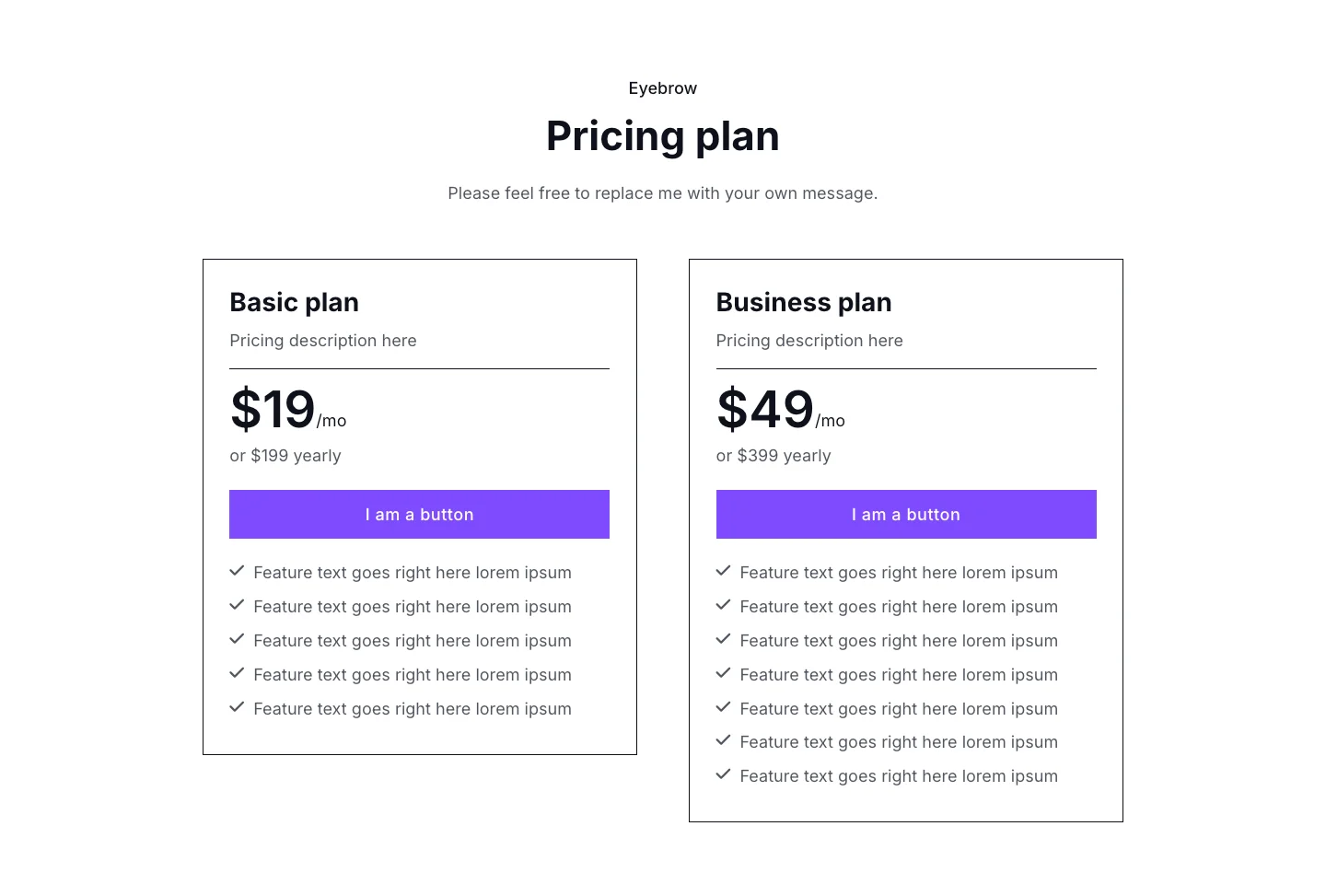
Simple, transparent pricing
Explore Renmoe’s flexible pricing plans for premium Bricks Builder templates. Choose from annual or lifetime options.
Free
$0
Explore Renmoe’s free templates—perfect for trying things out and getting a feel for everything before upgrading.
- Unlimited Copy & Paste
- Use on Unlimited Projects
- 59 Layouts
- Regular Support
- Full BEM Methodology
- Native Templates (free from the reliance on third-party frameworks)
- Compatible with Core Framework
Annually
$6
per month
Billed yearlyplus local VAT (if applicable)
Full year of Renmoe’s templates, along with continuous feature updates and improvements throughout your subscription period.
- Unlimited Copy & Paste
- Use on Unlimited Projects
- 259 Layouts
- Weekly Drops
- Priority Support
- Full BEM Methodology
- Library of reusable CSS utility classes
- Native Templates (free from the reliance on third-party frameworks)
- Compatible with Core Framework
Lifetime
$129
one-time payment
plus local VAT (if applicable)
Get lifetime access to Renmoe’s extensive library of templates—plus all upcoming updates, innovations, and enhancements.
- Unlimited Copy & Paste
- Use on Unlimited Projects
- 259 Layouts
- Weekly Drops
- Priority Support
- Full BEM Methodology
- Library of reusable CSS utility classes
- Native Templates (free from the reliance on third-party frameworks)
- Compatible with Core Framework
FAQs
What would you like to know?
Need help with something? Here are our most frequently asked questions.
Will you be adding more components & templates in the future?
Indeed, we are committed to a weekly and/or monthly release schedule of new components & templates, ensuring that you have an ever-expanding toolkit to enhance your creative possibilities when building with Bricks.
Do I need to know how to use Bricks Builder?
Yes, knowing how to work with Bricks Builder is needed.
How do I paste a components & templates into Bricks?
Copying and pasting couldn’t be simpler! Just click the copy button within Renmoe Library, and then seamlessly paste it into your Bricks project by using the keyboard shortcuts Command-V on Mac or Control-V on Windows.
Do you use Framework like Core Framework?
Our current available components are free from reliance on third-party plugins or frameworks, which means Bricks Builder is all you require. We will also have components using Core Frameworks which will be released in future updates.
Why copy and paste don’t work?
Chrome:
For Chrome users, the first time you attempt to copy/paste an element, you may encounter a popup notice requesting permission for this action. Once you grant permission, the feature should work seamlessly.
Firefox:
To enable copy/paste functionality in Bricks Builder on Firefox, users should configure specific settings. Bricks Builder has incorporated the Clipboard API since version 1.5.1, facilitating the copying and pasting of elements and styles across different domains.
Please take note of the following:
- Copy/paste is exclusively supported for pages served over HTTPS.
- Firefox has stricter restrictions on reading from this API, requiring manual permission from the user for the paste action.
To grant permission, follow these steps in your Firefox browser:
- Enter “about:config” in the navigation bar.
- If prompted, click “Accept the Risk and Continue.”
- Search for “clipboard” and set “dom.events.asyncClipboard.readText” and “dom.events.testing.asyncClipboard” to “true.”
- Restart Firefox.
Do you use BEM?
Yes! BEM is incorporated alongside Utility Classes for a Scalable CSS Architecture.